Blog
Fixes and explainers for working on Starlink
One problem per article: why your Wi-Fi calling won’t turn on, why the VPN drops once an hour, what a dual-WAN router actually does when the dish goes quiet. Each one answers the question first, then shows the steps, the numbers and when Starlink is the wrong tool.
Calls, VoIP and Wi-Fi calling Main guide
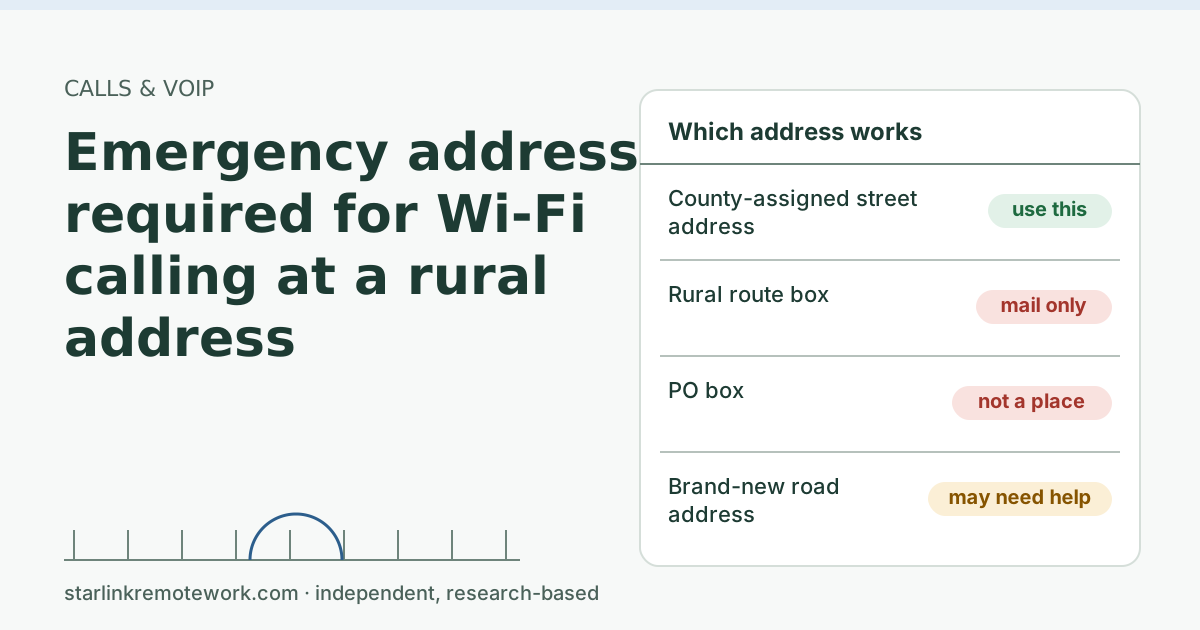 “Emergency address required” for Wi-Fi calling at a rural addressWhy carriers ask for an emergency address before Wi-Fi calling works, why rural addresses get rejected, and how to get a valid one saved and tested.
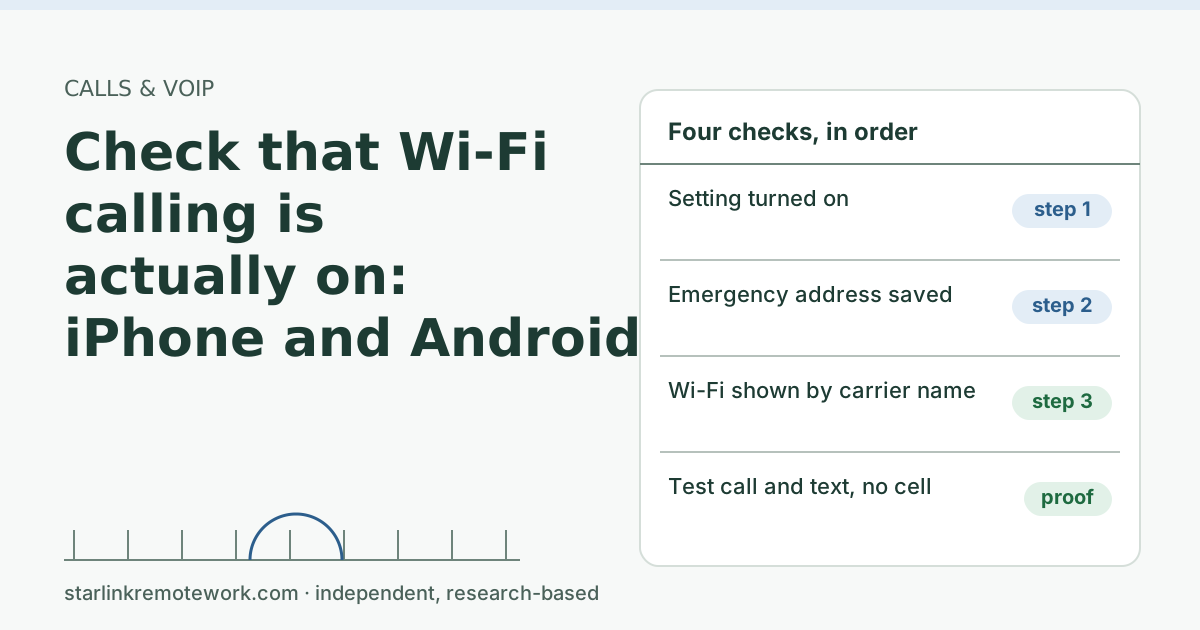 Check that Wi-Fi calling is actually on: iPhone and Android stepsHow to confirm Wi-Fi calling is on and working on iPhone and Android over Starlink, what the phone shows when it is, and what to check when it won’t switch on.
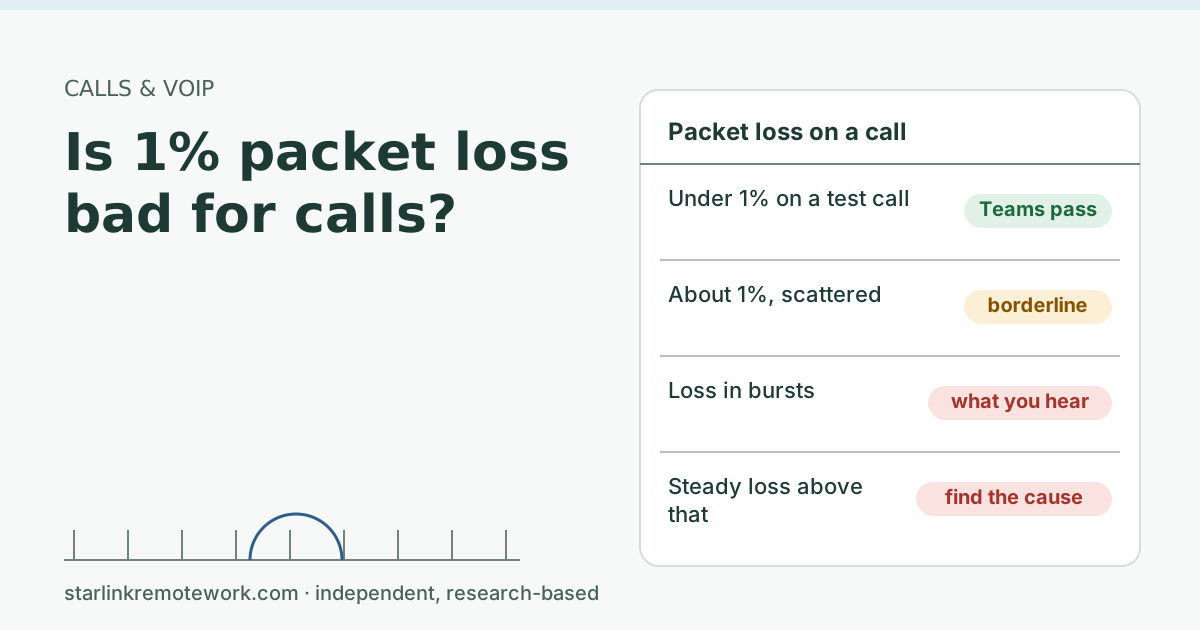 Is 1% packet loss bad for calls?One percent packet loss sits right on Microsoft’s pass line for Teams. Whether you hear it depends on how the loss is spread. What 1% means and what to do.
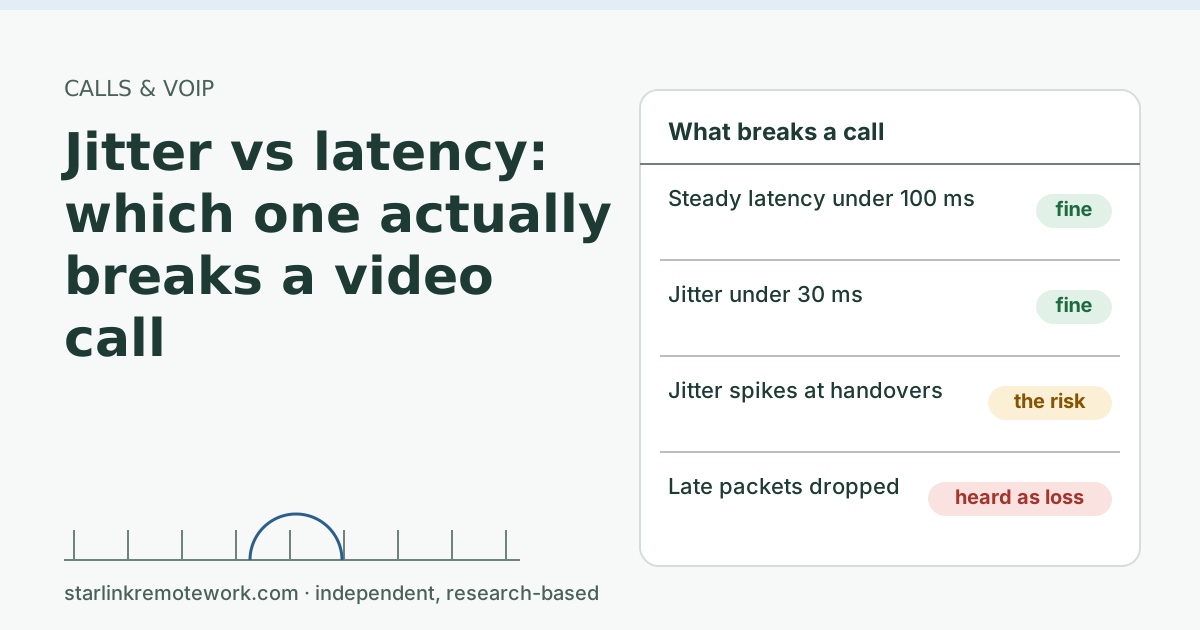 Jitter vs latency: which one actually breaks a video callLatency is how long packets take; jitter is how much that time wobbles. Calls handle steady delay well, so jitter and loss are what break them on Starlink.
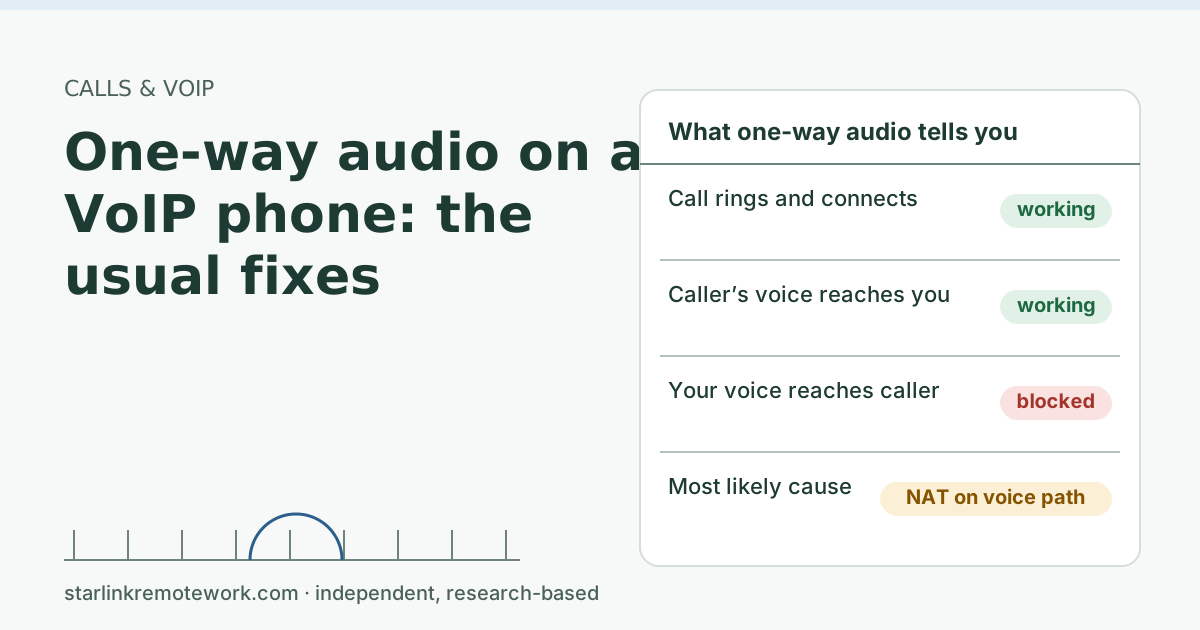 One-way audio on a VoIP phone: the usual fixesYou hear the caller but they can’t hear you. Why NAT causes one-way VoIP audio on Starlink, and the fixes to try in order before calling support.
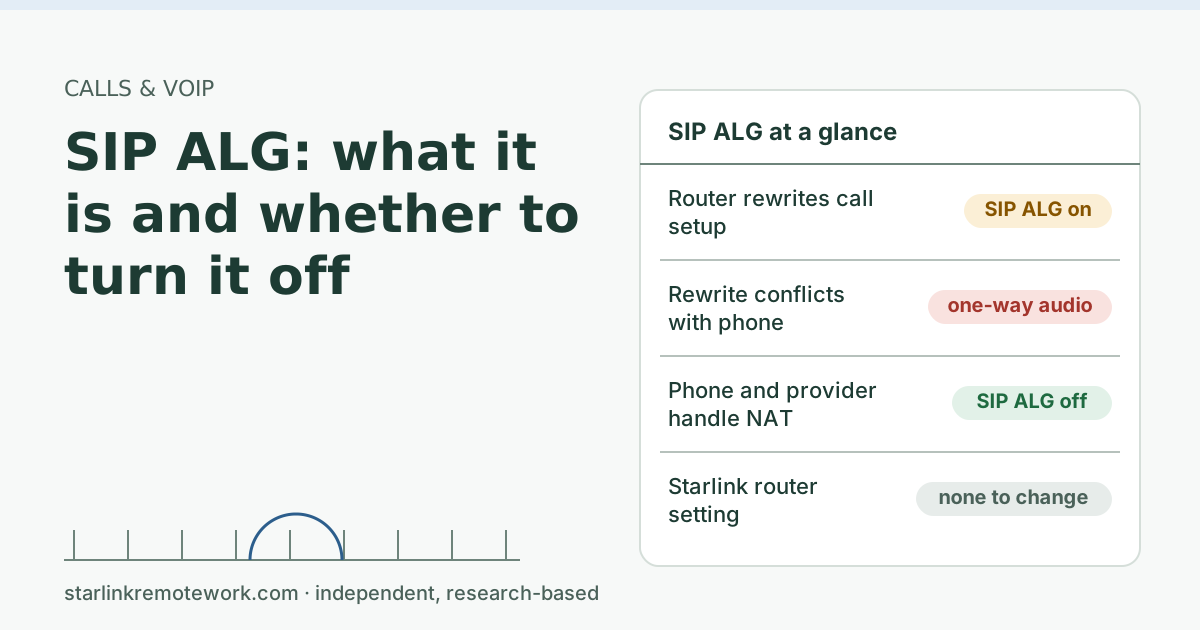 SIP ALG: what it is and whether to turn it offSIP ALG is a router feature that rewrites VoIP call setup. Why it often breaks calls behind Starlink, when to turn it off, and how to test the change.
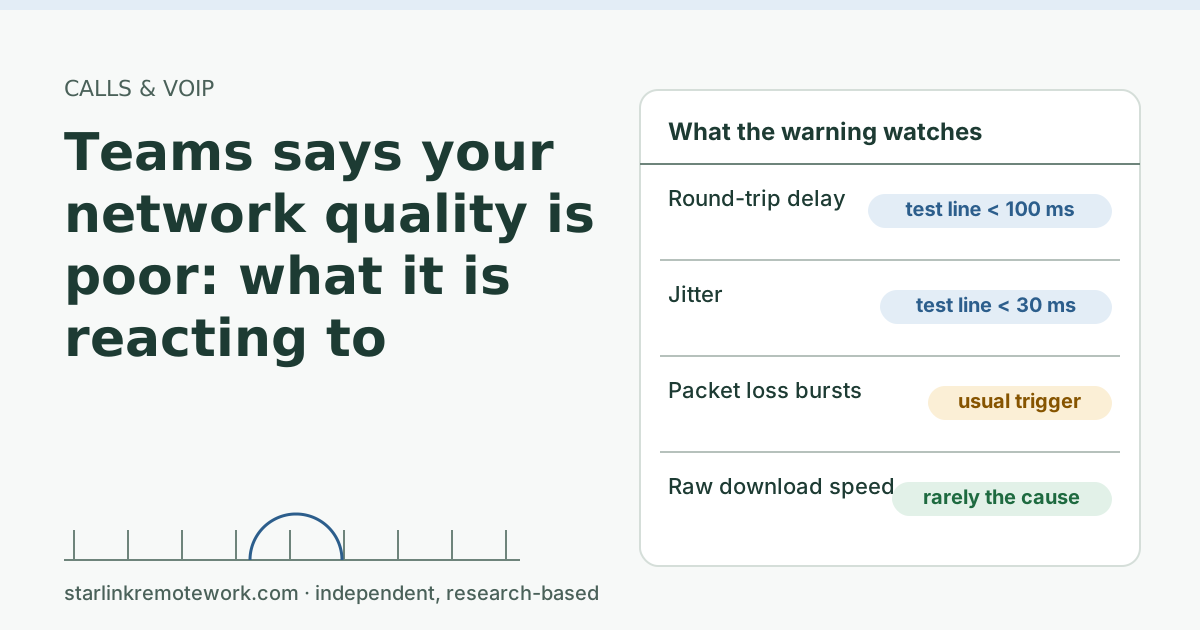 Teams says “your network quality is poor”: what it’s reacting toThe Teams poor-network warning reacts to delay, jitter and packet loss on your path, not raw speed. What it measures, how to check it, and fixes in order.
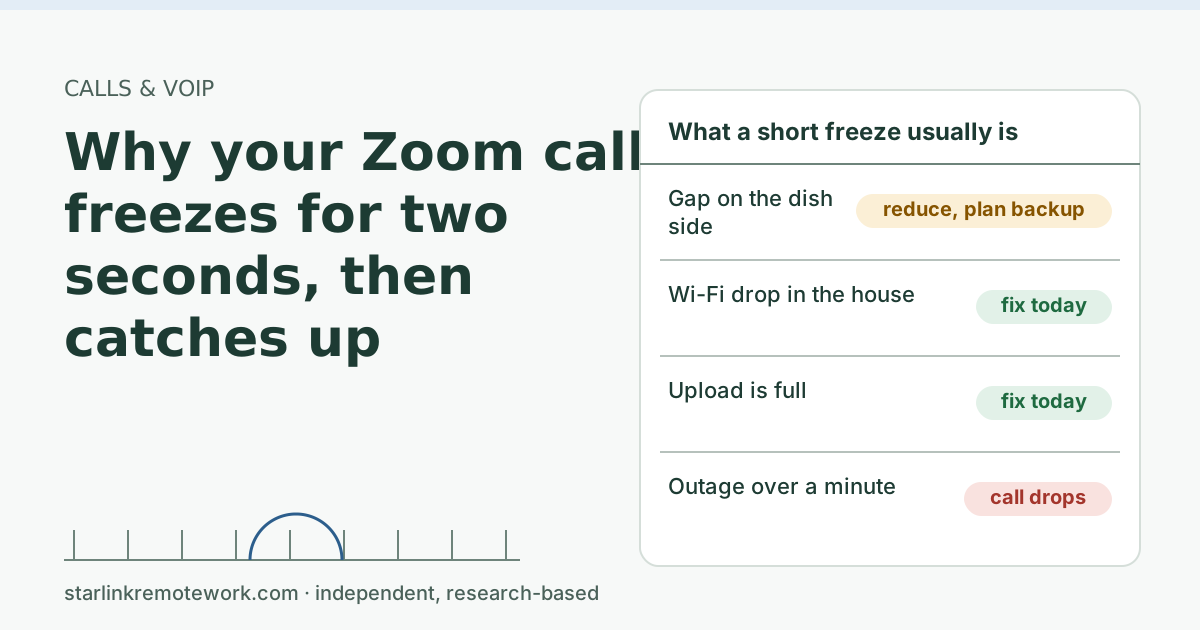 Why your Zoom call freezes for two seconds, then catches upA Zoom freeze that catches up is a short gap in the connection, not slow internet. How to tell a satellite gap from Wi-Fi or upload trouble, and what helps.
VPN, CGNAT and public IP Main guide
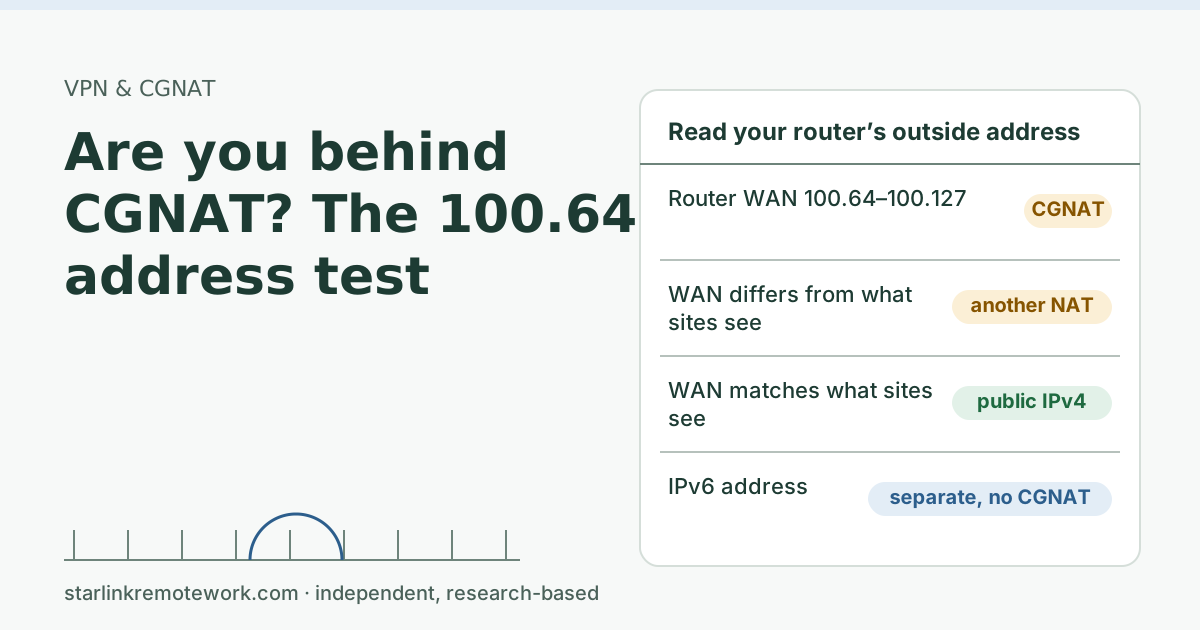 Are you behind CGNAT? The 100.64 address testHow to tell in two minutes if you are behind carrier-grade NAT: compare your router’s outside address with what websites see, and look for 100.64.
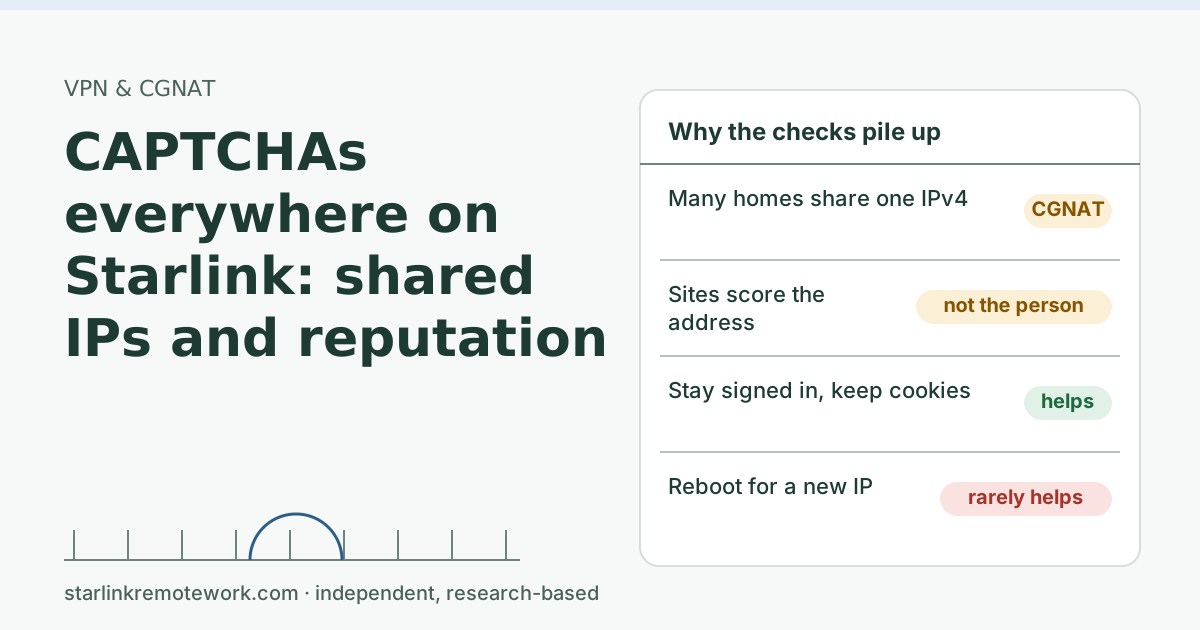 CAPTCHAs everywhere on Starlink: shared IPs and reputationWhy Starlink users see more CAPTCHAs and “unusual traffic” checks: shared CGNAT addresses and IP reputation. What helps, what doesn’t, and when to tell a site.
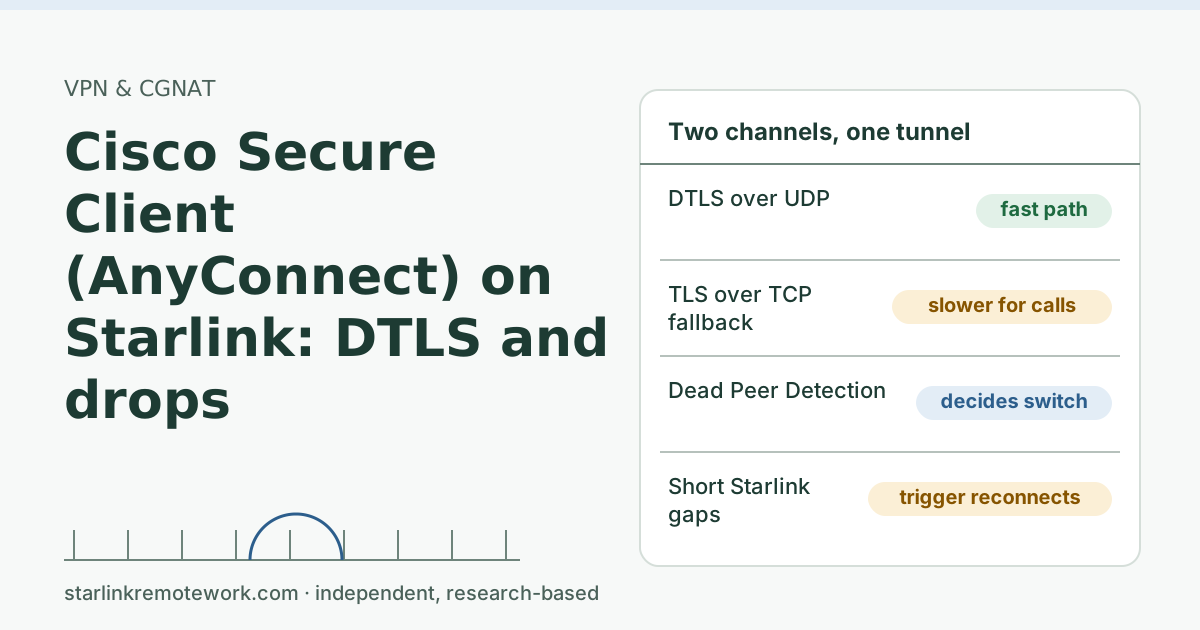 Cisco Secure Client (AnyConnect) on Starlink: DTLS and dropsWhy Cisco Secure Client (AnyConnect) reconnects or slows down on Starlink: DTLS vs TLS fallback, dead peer detection, keepalives and MTU, and what to tell IT.
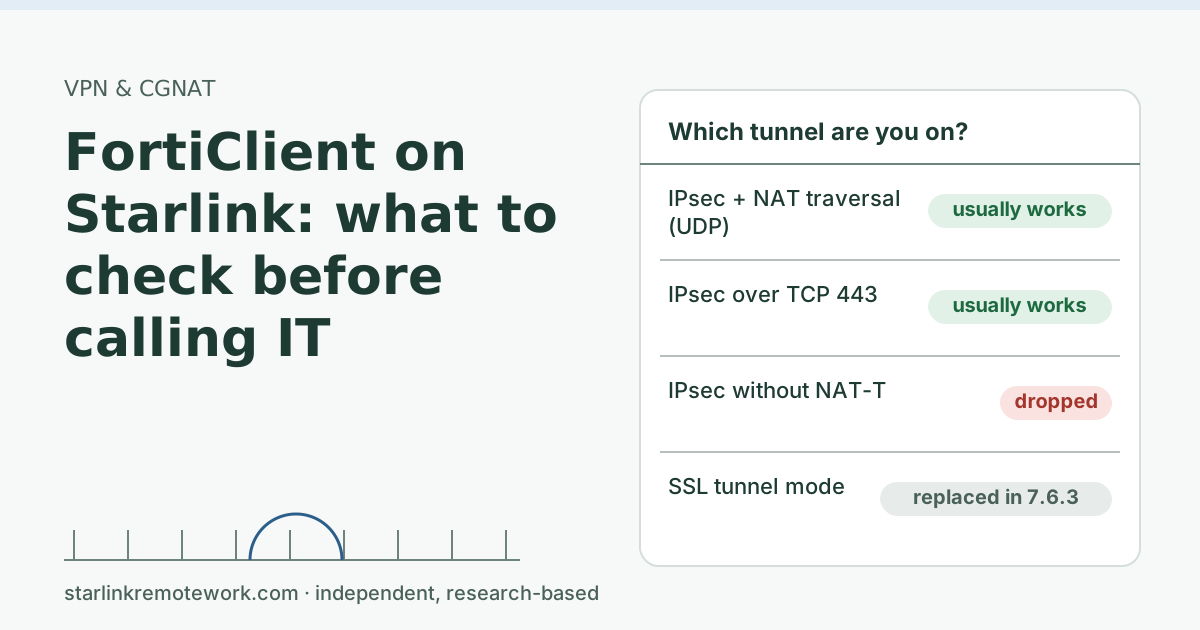 FortiClient on Starlink: what to check before calling ITFortiClient connects but stalls or drops on Starlink? IPsec vs SSL behind CGNAT, the FortiOS 7.6.3 switch to IPsec, NAT traversal, and a ticket IT can use.
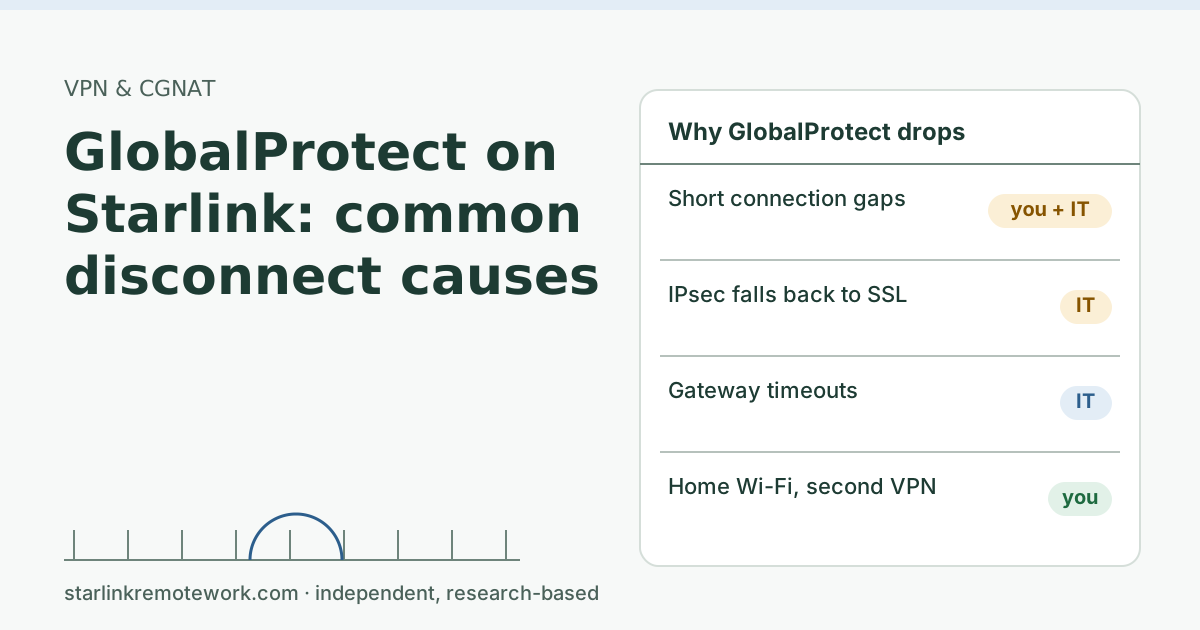 GlobalProtect on Starlink: common disconnect causesWhy GlobalProtect drops or falls back to slow mode on Starlink: IPsec vs SSL behind CGNAT, short outages, timeouts IT sets, and what to send your IT team.
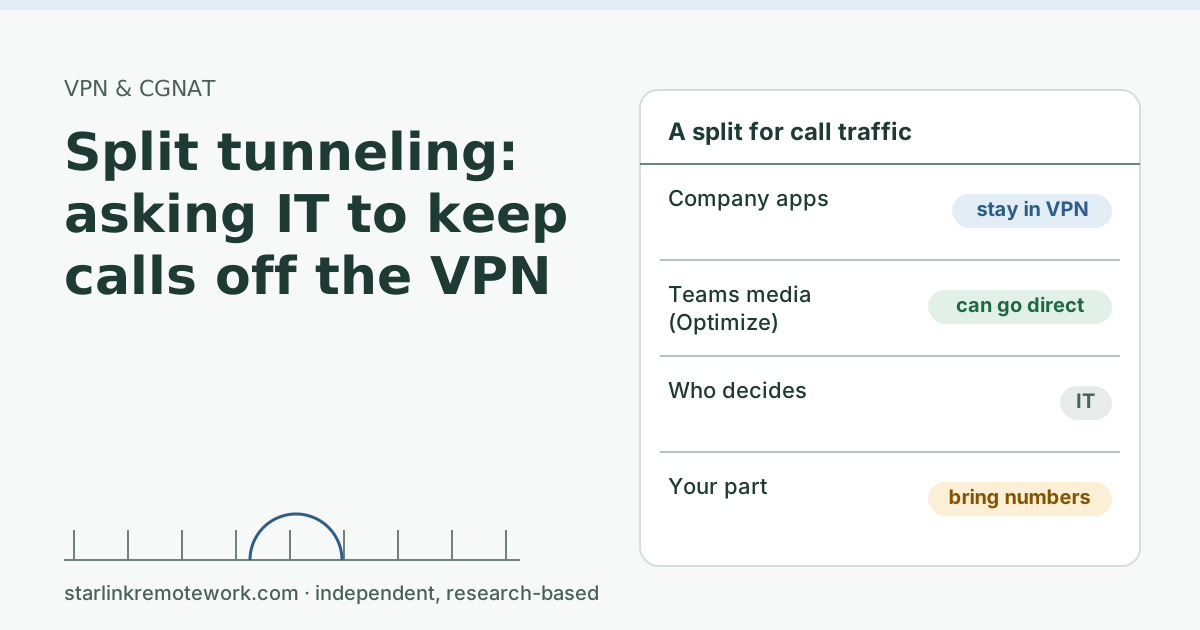 Split tunneling: asking IT to keep calls off the VPNCalls inside a full VPN tunnel take a longer, busier path. How split tunneling works, what Microsoft recommends for Teams, and how to ask IT for it.
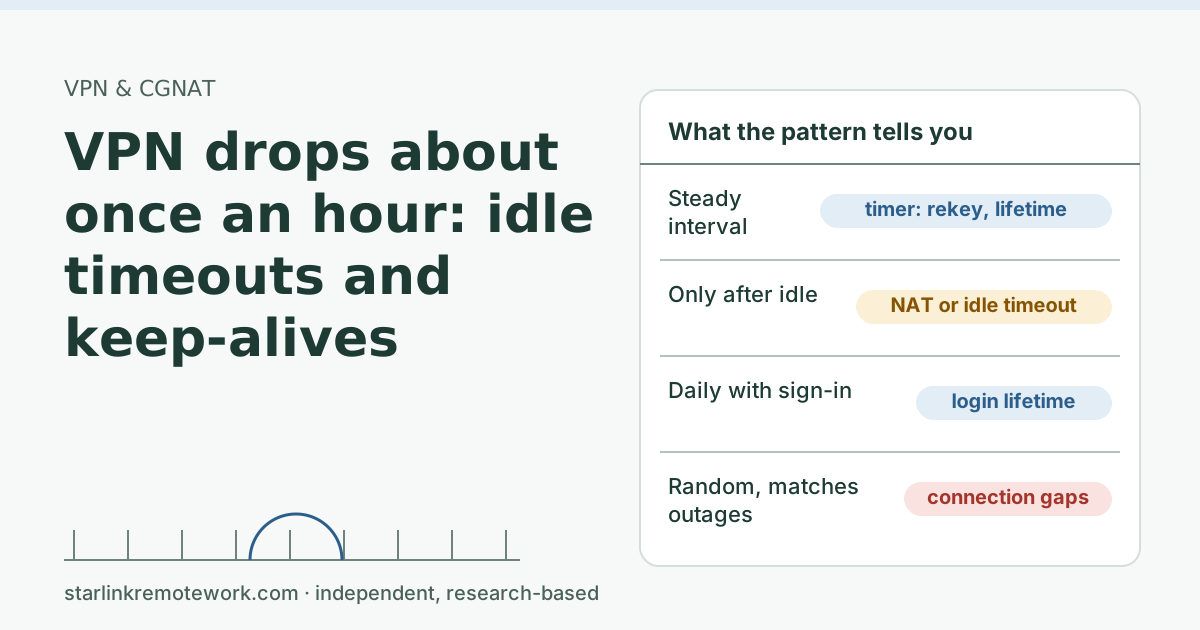 VPN drops about once an hour: idle timeouts and keep-alivesA VPN that drops on a regular schedule points to a timer, not the weather. How to find which one: rekeys, session lifetimes, idle NAT mappings or keepalives.
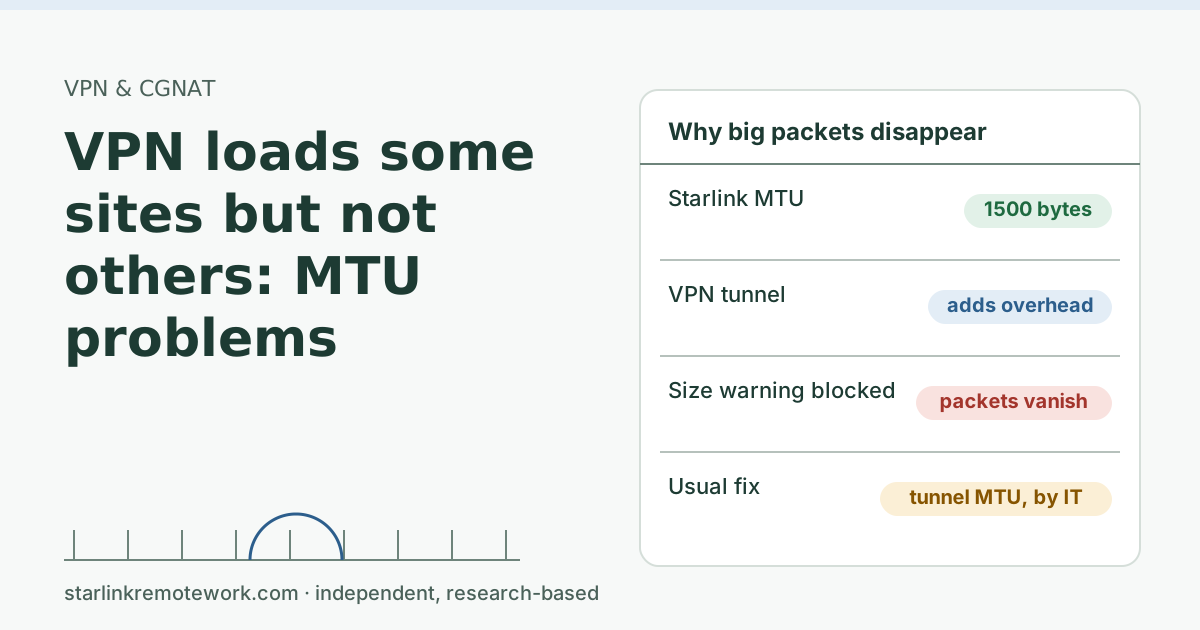 VPN loads some sites but not others: MTU problemsWhen a VPN connects but some pages hang, large packets may be vanishing. How MTU works, a five-minute ping test, and what to tell IT on a Starlink line.
Backup internet and failover Main guide
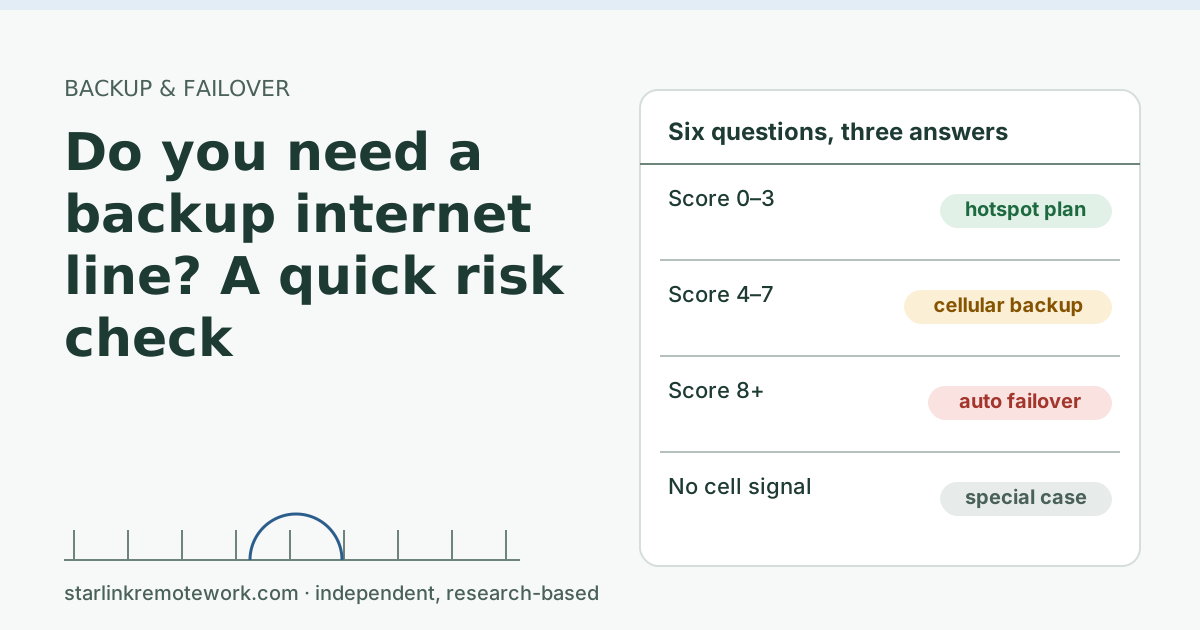 Do you need a backup internet line? A quick risk checkA six-question risk check to decide whether a remote worker on Starlink needs a backup line, what kind, and when a phone hotspot is enough. With worked numbers.
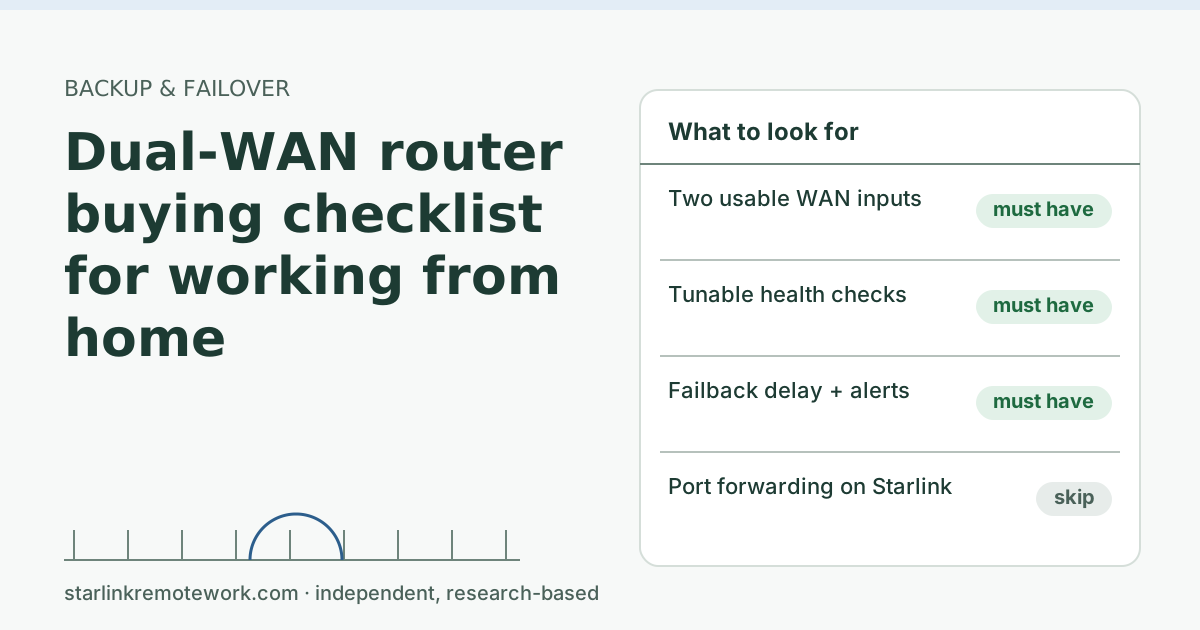 Dual-WAN router buying checklist for working from homeWhat a dual-WAN router needs for a Starlink home office: tunable health checks, failback control, a cellular input and alerts, plus what to skip. Dated prices.
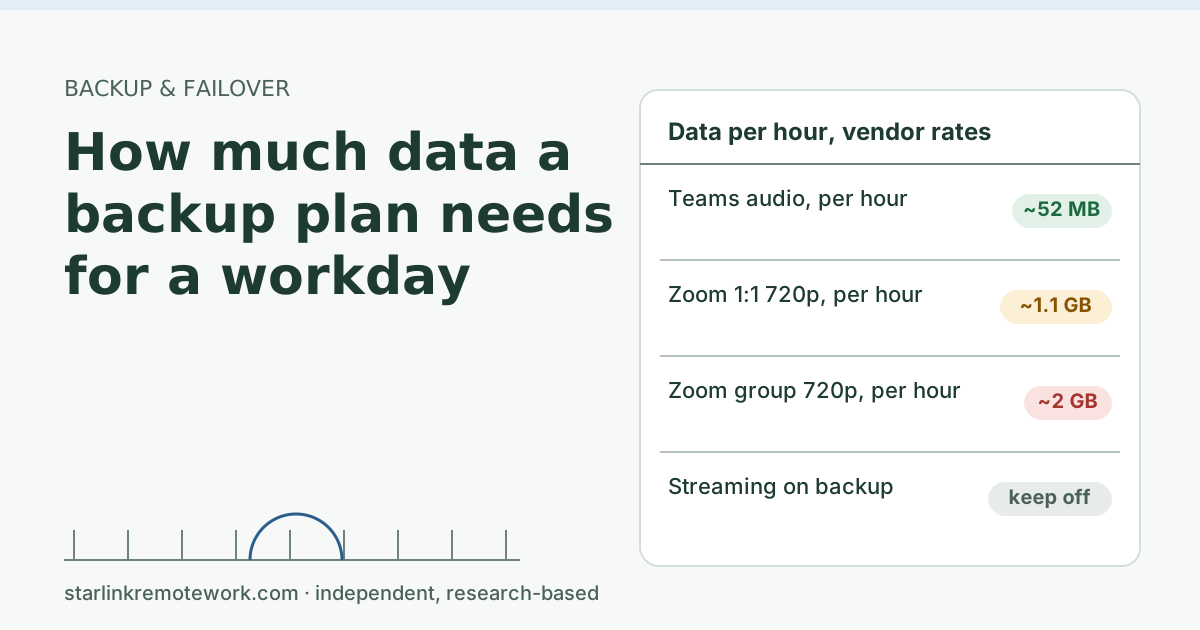 How much data a backup plan needs for a workdayWork out how many gigabytes a cellular backup line needs for a day of calls, from Zoom, Teams and Meet bandwidth figures, plus what to keep off it.
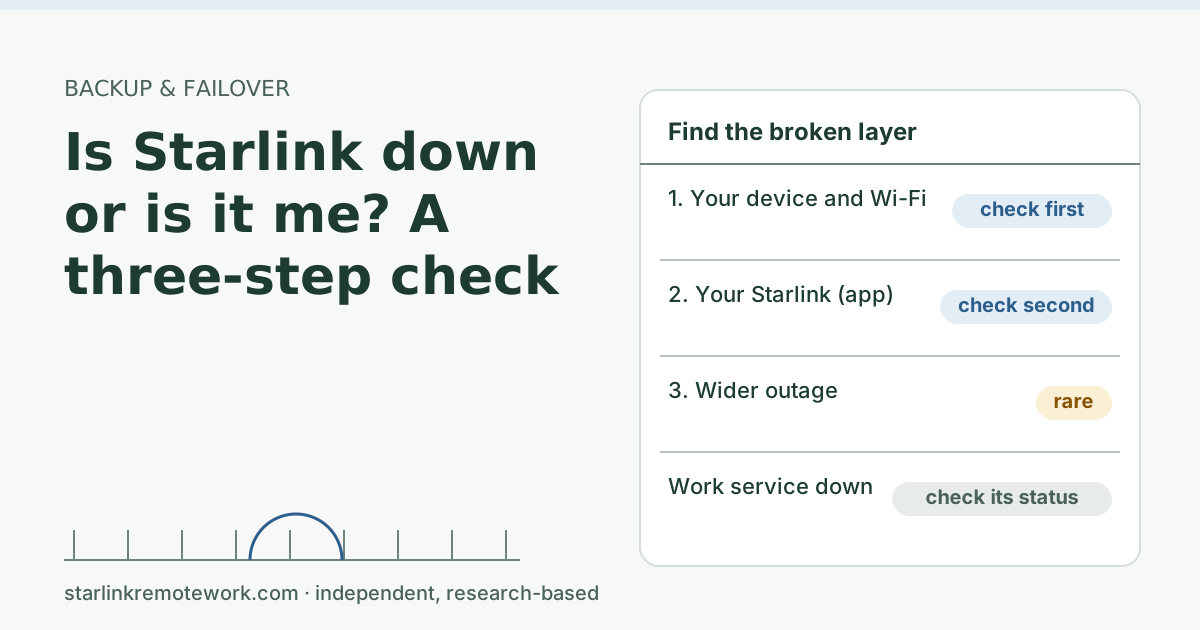 Is Starlink down or is it me? A three-step checkA three-step check to tell whether the problem is your device, your Starlink connection, or a wider outage, plus what to do in each case during a workday.
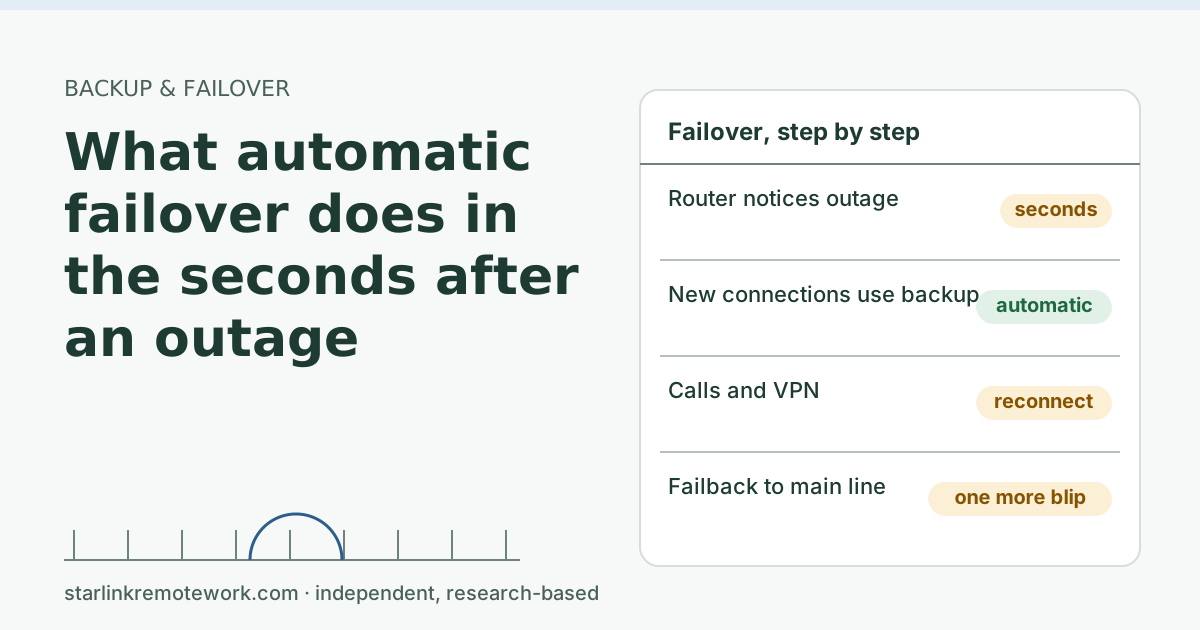 What automatic failover does in the seconds after an outageAutomatic failover moves you to a backup line in seconds, but calls and VPNs usually reconnect. A second-by-second walk-through, and what keeps sessions alive.
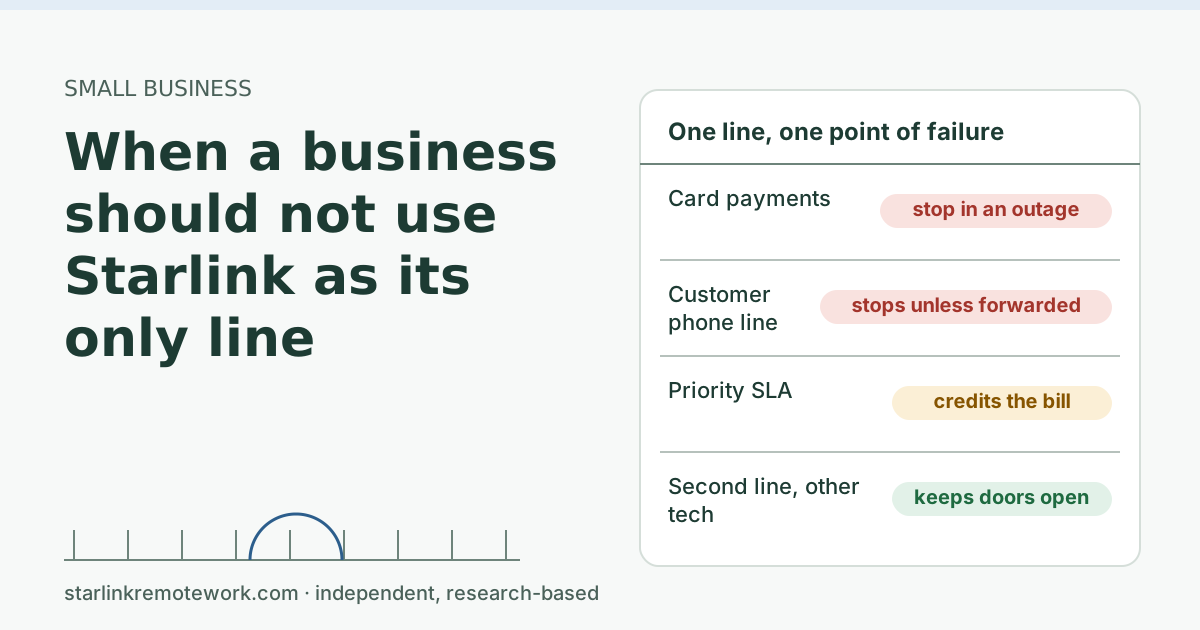
Small business Main guide
Gaming, ping and NAT Main guide
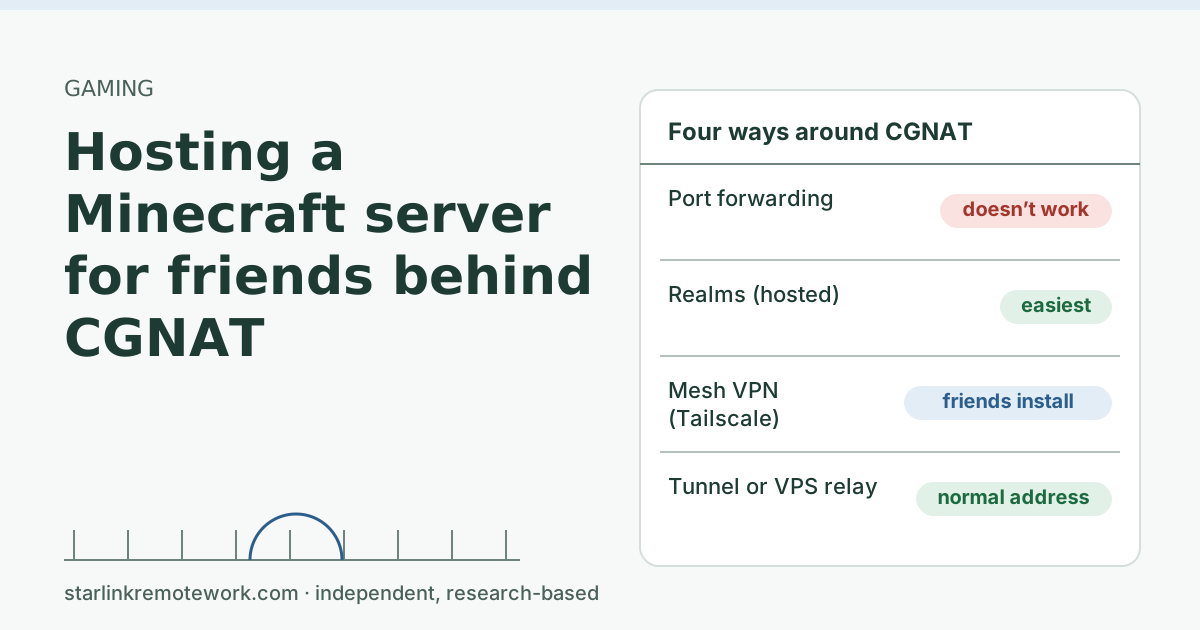 Hosting a Minecraft server for friends behind CGNATPort forwarding won’t work on Starlink Residential. Four ways to host Minecraft for friends anyway: Realms, Tailscale, a tunnel like playit.gg, or a VPS.
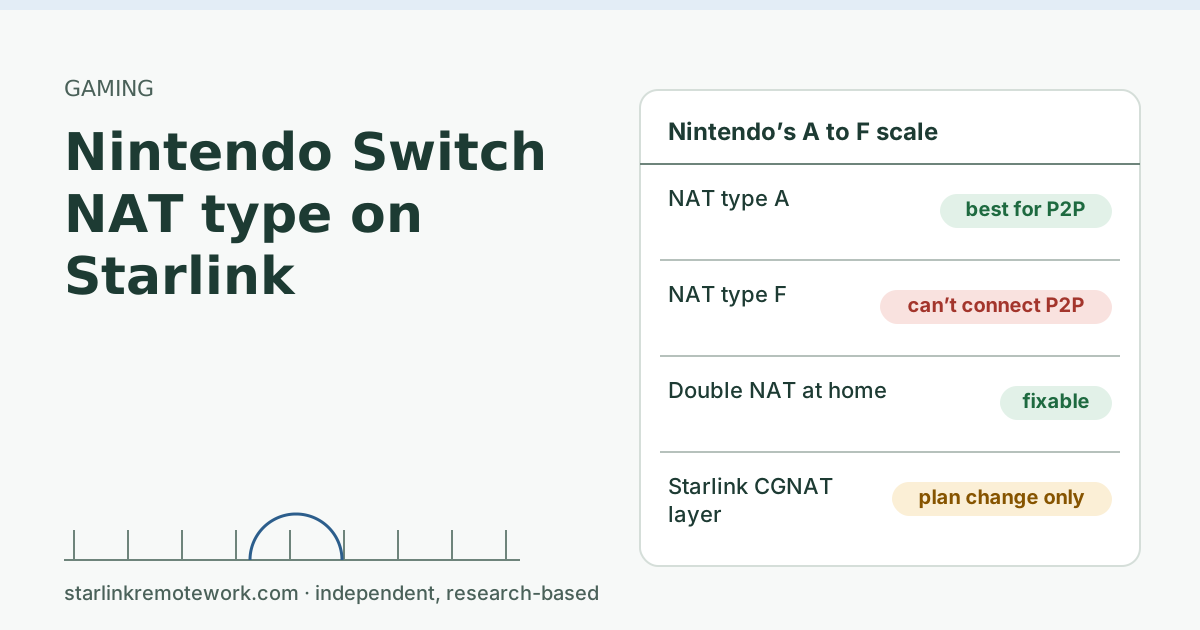 Nintendo Switch NAT type on StarlinkWhy a Nintendo Switch on Starlink often shows a weaker NAT type, what Nintendo’s A to F scale means, what you can fix at home, and what only a public IP fixes.