Key takeaways
- Since October 2026, a new US customer who orders through a referral link gets the same reward as the referrer, instead of a free month of service.
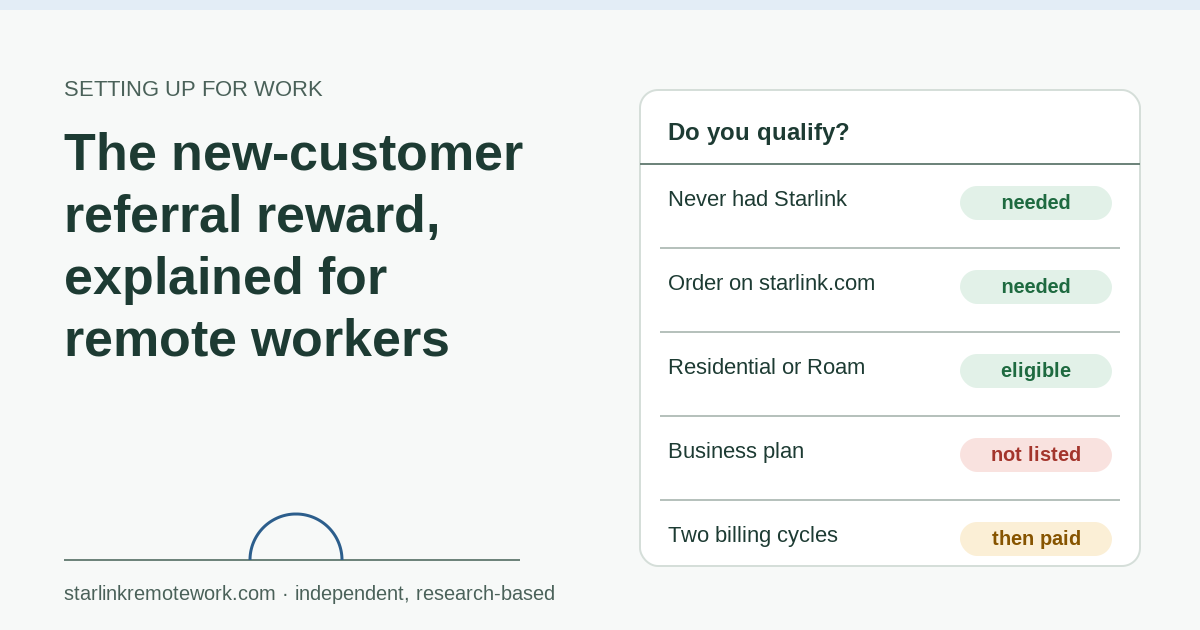
- The reward is paid after two months subscribed on an eligible Residential or Roam plan. Business (Priority) plans are not on the eligible list.
- It lands as account credit by default; where the Starlink account offers it, you can switch it to cash in the Referrals section.
- You must be a new customer, order the kit and plan on starlink.com through the link, and stay subscribed without Standby Mode for two full billing cycles.
- Decide on Starlink for your work first: VPN, calls and backup matter far more than the reward.
On this page
- What changed in October 2026
- Who qualifies: the checklist for a home office
- Residential, Roam, and why Business plans don’t count
- When the reward arrives
- How people lose the reward without noticing
- Order of operations for a work setup
- A note on this site’s referral link
- What we don’t know
- Questions people ask
- Sources
If you are new to Starlink and order your work-from-home kit through a referral link, Starlink now gives you a $100 reward, the same as the person who referred you, once you have been subscribed for two months on an eligible Residential or Roam plan. It replaced the old “free month” in October 2026. It arrives as account credit by default, or as cash where your account offers it. Business (Priority) plans are not on the eligible list, and Standby Mode doesn’t count toward the two months. The amount is set by Starlink, shown in your Starlink account, and can change.
That is the short version. The rest of this post covers what changed, the conditions that matter when you are setting up a home office, and the ways people lose the reward without noticing.
What changed in October 2026
For years the deal for a new customer was simple: order through someone’s referral link and your second month of service was free. The referrer got a separate reward.
That changed this month. Starlink republished its Referral Program Terms (DOC-1882-84808-83) on October 7, 2026. Under the new terms the person being referred receives the same reward as the person referring them, in the amount “specified in your Starlink Customer Account.” Starlink’s help center, as read in search results on October 9, 2026, puts it plainly: A new customer who orders through a referral link gets the same reward as the customer who referred them, after two months subscribed.
Starlink’s help article gives the US amount as $100 (re-read Nov 16, 2026). Its terms add that the amount is whatever your account shows, and it can change.
| Before October 2026 | Since October 2026 | |
|---|---|---|
| What the new customer gets | One month of service free | The same reward as the referrer |
| US amount | Worth one month of your plan price | $100 (set by Starlink, shown in your account) |
| How it arrives | Taken off a bill | Account credit by default; cash where the account offers it |
| When | Early in the subscription | After two months subscribed |
| Who it suits | Anyone, roughly in proportion to plan price | Same flat amount whatever eligible plan you pick |
One practical effect: under the old free month, someone on a pricier plan got more value than someone on a cheaper one. A flat reward doesn’t scale with the plan. For a reference point, Residential 100 Mbps now runs $44–$55/mo depending on your address (Starlink’s own price data, checked Nov 16, 2026), but the reward is the same flat amount whichever eligible plan you choose.
Who qualifies: the checklist for a home office
The conditions below come from Starlink’s terms and help center as summarized in the sources at the end of this post. None of them are new; only the reward changed.
| Condition | What it means when you’re setting up to work from home |
|---|---|
| New customer | You have never had a Starlink subscription. A second dish on an account you already have doesn’t count. |
| Ordered on starlink.com through the link | The kit and the plan must be ordered directly from Starlink using the referral link. Kits bought at a retail store, from a reseller, or as a transfer from someone else don’t qualify. |
| US service address | The reward and amount discussed here are for US customers. |
| Eligible plan | Residential Lite, Residential, Residential 100 or 200 Mbps, Residential Max, or Roam 100GB, 300GB or Unlimited. |
| Two full billing cycles | Stay continuously subscribed on an eligible plan for two billing cycles. |
| No Standby Mode | Time in Standby Mode doesn’t count toward those two cycles. |
Most remote workers who are new to Starlink and order for themselves tick every box without trying. The ones who miss out usually do so because of how the kit was bought, or because the plan isn’t on the list.
Residential, Roam, and why Business plans don’t count
The eligible list covers the Residential and Roam plans. Business plans, which Starlink now calls Local Priority and Global Priority, are not on it. If you are choosing a plan for work, that is worth knowing, but it shouldn’t be the thing that decides your plan.
There is a separate question that matters more for remote workers. Starlink's terms say Residential plans are not permitted for business or enterprise uses. We don’t know how Starlink applies that to an employee working from a home office, and it isn’t our call to make. Our page on employer-paid setups covers what the terms say and the questions to ask Starlink or your employer before you order.
Three common setups, and how the reward fits each:
- You order a Residential plan in your own name and pay for it (or claim a stipend). This is the setup most likely to qualify, as long as you are new to Starlink and order on starlink.com through the link.
- Your employer orders a Business plan on a company account. Business plans aren’t eligible, so there is no new-customer reward on that order. The company account may still be the right choice for a public IP or a service level agreement; see Starlink for small business.
- You travel for work and order Roam. Roam 100GB, 300GB and Unlimited are on the list. Our verdict on Starlink for remote work covers the trade-offs of working on the move.
When the reward arrives
The reward is not instant. The reward is applied to your second monthly subscription invoice, after two full monthly billing cycles on a high-speed plan; Starlink says it can come as soon as 60 days after activation.
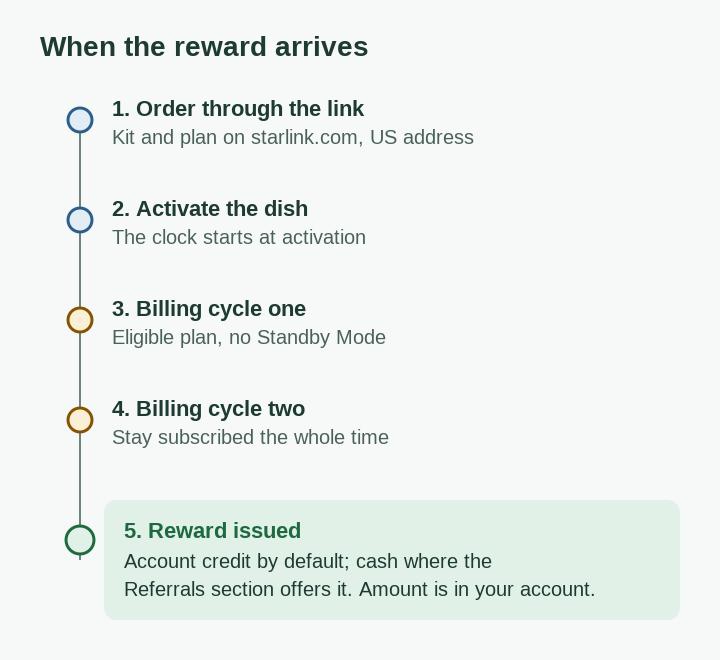
Two things follow for anyone budgeting a home-office setup:
- You pay full price up front. The kit and the first two months are billed as normal. If an employer stipend or reimbursement depends on receipts, those receipts show the full amounts.
- Credit and cash behave differently. Credit reduces later Starlink bills. Cash, where your account offers it, is paid out to you. Starlink says the reward is set out in your account, so check the Referrals section there after the two months to see which options you have.
If your employer reimburses your internet, ask how they want a referral reward handled. Some reimbursement policies expect you to report credits that reduce the bill. That is between you and your employer; we only flag it so it isn’t a surprise.
How people lose the reward without noticing
Most of these come from the rules above, but they are easy to trip over when you are setting up quickly before a start date.
| Situation | Why it can cost you the reward |
|---|---|
| Buying the kit at a big-box store to get it faster | Retail and reseller purchases don’t qualify; the order has to be on starlink.com through the link |
| Taking over a used kit from a neighbor or former colleague | Transfers don’t qualify |
| Adding the work dish to an existing household account | You are not a new customer |
| Putting the service in Standby Mode during a trip | Standby time doesn’t count toward the two billing cycles |
| Cancelling in the first month because a VPN doesn’t work | You need two full billing cycles subscribed |
| Ordering a Business plan through a company account | Business plans aren’t on the eligible list |
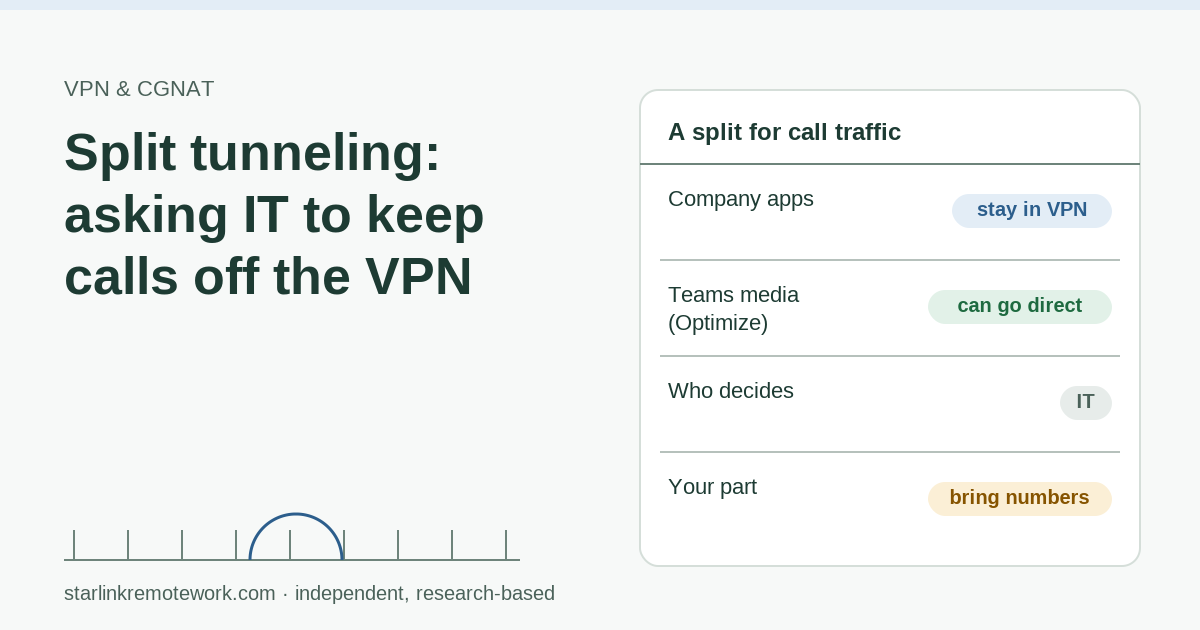
The fifth row is the one we see most often in work-from-home stories. Someone orders, finds that the company VPN won’t connect, and cancels. Check the VPN question before you order, not after. Our VPN guide lists which VPN types usually work behind Starlink’s shared address and the questions to send IT, and the post on split tunneling for calls covers a common fix once you are connected.
Order of operations for a work setup
A reward is nice. It is not a reason to choose an internet line you will depend on for your income. Here is the order we would take it in:
- Decide whether Starlink fits your work. Read our verdict for remote work. If you can get fiber or cable, that is usually the better primary line.
- Check the VPN and calls. Ask IT which VPN protocol your company uses. Video calls work on Starlink, with occasional short freezes.
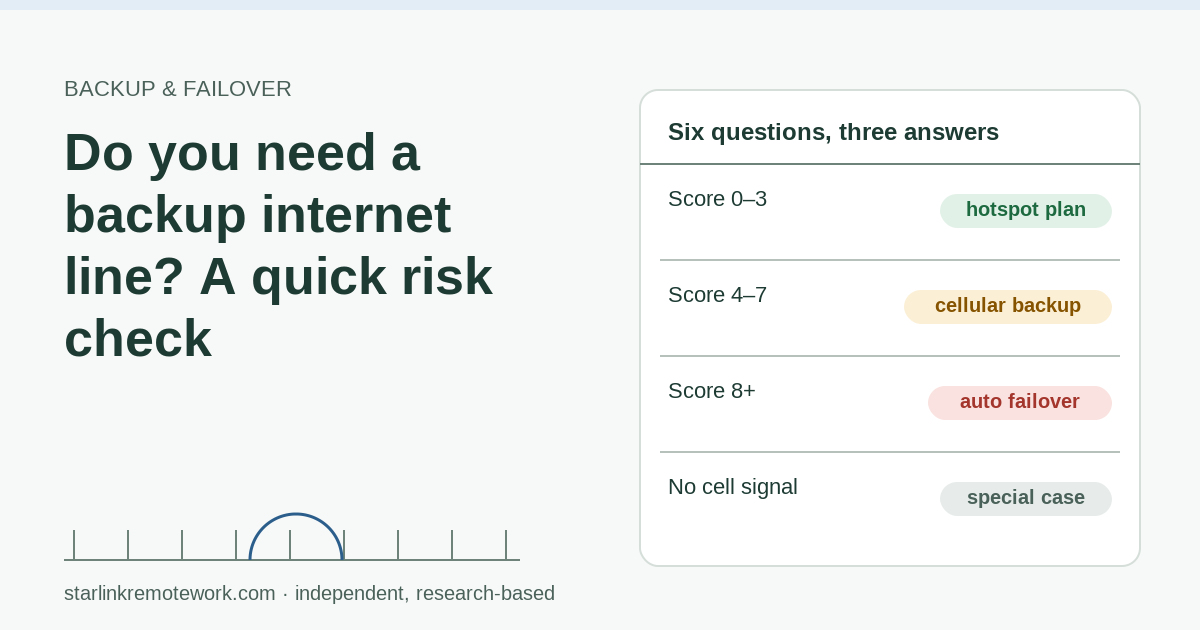
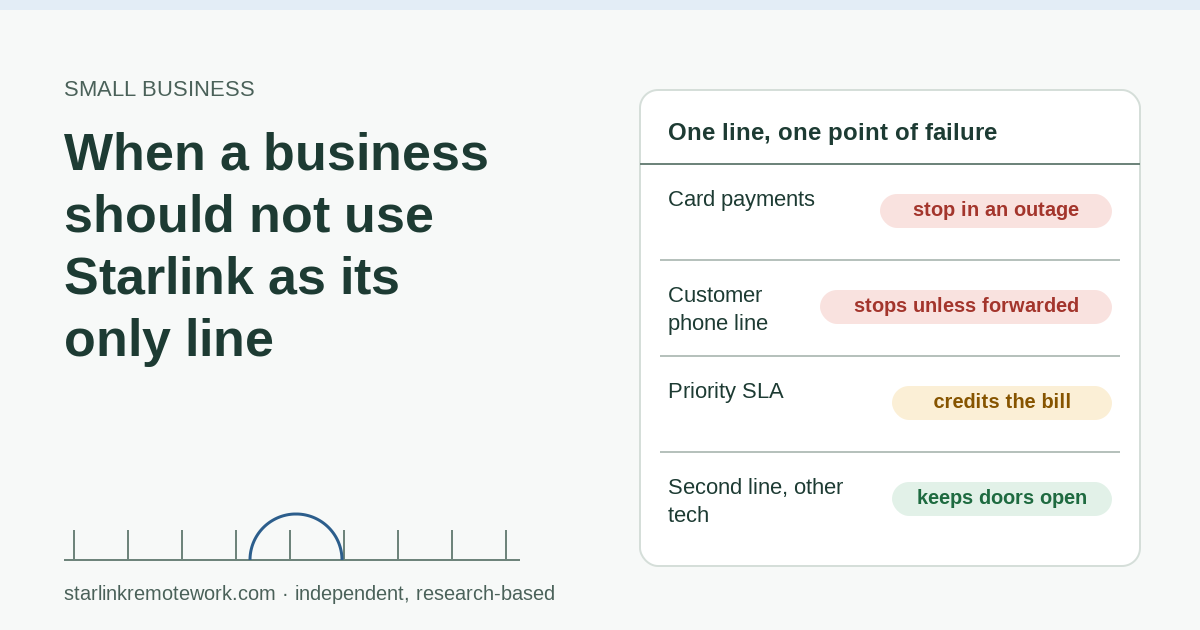
- Decide on a backup. The Failover Builder takes five questions and suggests a backup line and router. Our post on whether you need backup internet has a quick risk check. If you run a business from home, read when Starlink shouldn’t be the only line.
- Pick the plan. Residential for a fixed home office, Roam if you move around. Check the terms on business use with your employer if that applies to you.
- Order on starlink.com. If you use a referral link, make sure the order goes straight to starlink.com and that you are ordering as a new customer.
- Stay subscribed for two billing cycles without Standby Mode, then check the Referrals section of your account.
If it turns out Starlink isn’t right for your job after a few weeks, cancelling is still the right call. Losing the reward is cheaper than losing a client or a job over a connection that doesn’t fit.
A note on this site’s referral link
When the site owner’s referral link is switched on, the plan box below this post uses it. If you order through it, Starlink may give the owner a referral reward too; your price is the same either way, and it doesn’t change anything we say about how Starlink performs for work. The details are on how we make money. Our reliability data is separate and lives on the Work-Day Reliability Report, labeled as one connection.
What we don’t know
- Whether the amount will stay the same. Starlink’s terms tie the amount to what your account shows, and it has changed before.
- Exactly where cash payout is offered. Reports say the reward can be switched to cash in the Referrals section where available. We haven’t seen a list of who gets that option.
- How employers treat the reward. That depends on your employer’s reimbursement policy.
We read Starlink’s help center through search results because the page renders only with JavaScript, so treat the quoted line as accurate to that snippet and check your own account for the current amount.
Questions people ask
How much is the Starlink referral reward for a new customer?
In the US it is currently 100 dollars, the same amount the referrer gets. Starlink sets the amount, shows it in your Starlink account, and can change it.
Is the free month still offered?
No. Until October 2026 a new customer who ordered through a referral link got a month of service free. The referral terms republished on October 7, 2026 replaced that with the same reward the referrer receives.
When do I get the reward?
After two full monthly billing cycles. Starlink’s terms apply it to your second monthly subscription invoice, and Starlink says it can come as soon as 60 days after activation. It arrives as account credit by default.
Can I get the reward as cash?
Where your Starlink account offers it, yes. Reports say you can switch the reward from service credit to cash in the Referrals section of the account.
Does a Business or Priority plan qualify?
Business plans are not on the eligible list. The eligible US plans are Residential Lite, Residential, Residential 100 and 200 Mbps, Residential Max, and Roam 100GB, 300GB and Unlimited.
My employer is buying the kit. Do I still get the reward?
Only if the order meets the rules: a new customer, the kit and plan ordered on starlink.com through the link, a US address and an eligible plan. A company account on a Business plan does not qualify.
Does Standby Mode count toward the two months?
No. Time in Standby Mode does not count toward the two billing cycles.
Sources
- Starlink referral program (Starlink support), checked Nov 16, 2026
- What are the Residential plans? (Starlink support, modified 2026-04-08), checked Nov 16, 2026
- Service Plan Descriptions (US, published 2026-10-05), checked Oct 5, 2026
- Starlink Referral Program Terms, DOC-1882-84808-83 (published 2026-10-07), checked Nov 16, 2026
- Starlink help: Does Starlink have a referral program?, retrieved Nov 16, 2026
- Starlink Referral Program Terms, DOC-1882-84808-83 (published 2026-10-07, unchanged on 2026-11-16), retrieved Nov 16, 2026
- Starlink referral link (Tesla North, updated 2026-10-08), retrieved Oct 9, 2026
- Starlink offers cash payment instead of bill credits for referral (Notebookcheck), retrieved Oct 9, 2026
- Starlink referral program (SatelliteInternet.com), retrieved Oct 9, 2026
Research-based: written from vendor documentation, Starlink support pages and standards, not from our own measurements. Starlink rules and prices on this page come from our dated fact file and show the day they were checked; they change, so confirm before you rely on one.Links to Starlink’s plan pages here use the site owner’s own referral link; the owner may get a referral reward and your price is the same. No affiliate links (how we make money). General information, not professional IT, legal or medical advice. Independent · not affiliated with SpaceX or Starlink. Spotted an error? Tell us.