Major outages and post-mortems
Slack blocks message sending for some free-plan workspaces for about six hours on October 1, 2026
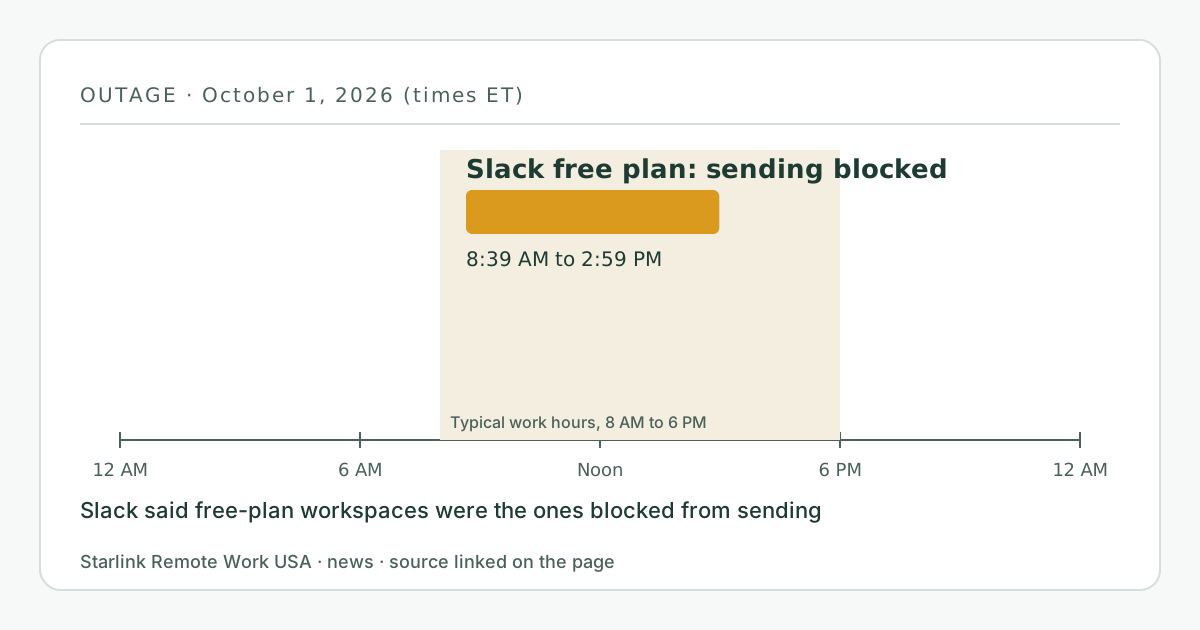
From 5:39 to 11:59 a.m. PDT on October 1, 2026 (8:39 a.m. to 2:59 p.m. EDT), some Slack workspaces on the free plan could not send messages. Slack said a feature toggle ramp-up made an app integration post messages in a loop, which pushed free-plan workspaces over their message limit and triggered the sending block; Slack then lifted the block for all affected workspaces. Small teams on the free plan saw what looked like a broken connection, but the internet was fine.
- Event date
- Published here
- Updated
- Source
- Slack Status
What changed
On the morning of October 1, 2026, Pacific time, some Slack workspaces on the free plan suddenly couldn’t send messages. Slack’s status page said affected teams were hitting “message-sending limit blocks in an unusual spike pattern.”
Slack then explained the cause. A third-party app was “stuck in a loop that has triggered billions of messages,” and “a feature toggle ramp-up caused an app integration to repeatedly post messages in a processing loop. This pushed free plan customers over the message volume threshold, triggering the sending block.” Slack deployed a fix and lifted the sending block for all affected free-plan workspaces.
When
- Start: 5:39 a.m. PDT on October 1, 2026 (8:39 a.m. EDT), when Slack posted the first update.
- Resolved: 11:59 a.m. PDT (2:59 p.m. EDT), when Slack said messaging was restored. October 1 was a Thursday.
Who is affected and what it means for you
Small teams, family businesses and volunteer groups that run on Slack’s free plan. For them, most of an East Coast workday went by with messages that wouldn’t send. Slack’s updates describe the problem only for free-plan customers.
From a desk, a message that won’t send looks like a connection problem. Here it was a limit being tripped on Slack’s side, so restarting the router or switching to a backup line would not have helped. If other apps worked and only Slack refused to send, the answer was on Slack’s status page.
What you can do now
- Check Slack’s status page when sending fails but other sites work.
- Keep a fallback channel your team agrees on in advance: a group text, email list or phone tree.
- If you run a small business on a free tier of any tool, note that free plans often have usage limits, and plan for what happens if one is hit unexpectedly. Our small business guide covers planning around a single line and single tools.
- Our troubleshooting page helps rule out your own connection quickly.
What stays the same
- Starlink and home internet were not involved.
- Slack’s status updates describe only free-plan workspaces; they don’t mention paid plans being blocked.
What we don’t know yet
- Which integration looped, and how many workspaces were blocked. Slack said it would investigate “the technical trigger, the underlying cause, and preventive action.”
- Whether any messages sent during the incident were lost or simply refused. The status updates don’t say.
Source
Free Plan Customers Are Experiencing Message Failures (Slack Status)
Related guides on this site
Correction log
No corrections since publication. Spotted an error? See corrections for how to tell us; changes are logged here with the date.