Major outages and post-mortems
Microsoft 365 outage on July 23, 2026 hits Teams, SharePoint and OneDrive in North America
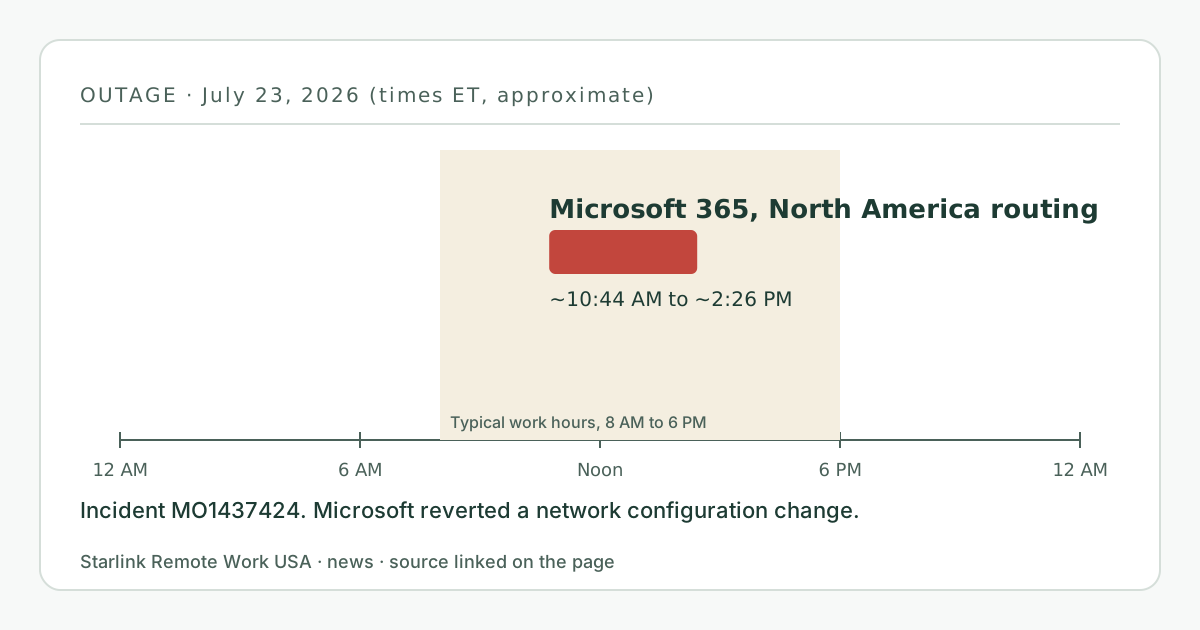
For about three hours and 42 minutes on July 23, 2026 (roughly 10:44 a.m. to 2:26 p.m. EDT), Microsoft 365 users whose traffic ran through North America had trouble with Teams, SharePoint Online, OneDrive and other services, tracked as incident MO1437424. Microsoft said a recent network configuration change might be contributing, reverted it, and moved traffic onto other network paths. As of October 6, 2026 we had not found a public post-incident report.
- Event date
- Published here
- Updated
- Source
- Cyber Security News
What changed
On July 23, 2026, Microsoft 365 had an outage that mainly affected customers whose Microsoft 365 traffic is routed through North America. Cyber Security News, citing Microsoft’s Microsoft 365 Status account, reported problems with:
- Microsoft Teams;
- SharePoint Online and OneDrive;
- Copilot Chat, Power Automate, Microsoft Loop, Purview, Fabric and Power BI, Power Apps and Copilot Studio.
Microsoft tracked it as incident MO1437424. It pointed to “a recent network configuration change that may be contributing to impact,” reverted that change, and rerouted traffic across alternative network paths.
When
- Start: about 8:14 p.m. IST on July 23, 2026, which is about 10:44 a.m. EDT.
- Resolved: about 11:56 p.m. IST, about 2:26 p.m. EDT.
- Duration: about 3 hours and 42 minutes, in the middle of the US work day.
Who is affected and what it means for you
Anyone in North America on Microsoft 365 could have been affected, whatever their internet connection. For remote workers that means Teams meetings that won’t connect or drop, files that won’t open or sync, and automated flows that stop.
This outage was caused by a routing change inside Microsoft’s network, so it can look like a network problem at your end, with things timing out instead of showing a clear error. On a Starlink connection, where short drops are a real and familiar cause of frozen calls, it’s natural to blame the dish. The tell is the pattern: Microsoft services fail together while other sites and apps work, and the Starlink app shows no outages.
A backup internet line wouldn’t have fixed this; the problem was on Microsoft’s side of the internet.
What you can do now
- Check Microsoft 365 status (or ask IT, who can see incident MO1437424 in the admin center) before restarting equipment.
- Check your link in the Starlink app for outages and latency.
- Agree a fallback with your team for multi-hour Microsoft outages, such as a phone bridge for scheduled calls.
- If your employer pays for your connection, our employer-paid setup guide has a checklist for your IT team, including how to tell service outages from line problems.
- Our video calls guide and troubleshooting page cover the failures that are on your side.
What stays the same
- Starlink’s network was not involved.
- Teams’ network requirements and Microsoft’s network test thresholds are unchanged.
What we don’t know yet
- A full root cause. As of October 6, 2026, we had not found a public post-incident report; Microsoft may publish details in the admin center under MO1437424, which only tenant admins can see.
- How many users were affected.
- Our logger has no published month for July 2026, so we have no measured view of the afternoon.
Source
Related guides on this site
Correction log
No corrections since publication. Spotted an error? See corrections for how to tell us; changes are logged here with the date.