Major outages and post-mortemsBackground
Cloudflare’s 1.1.1.1 DNS resolver goes down for 62 minutes on July 14, 2025
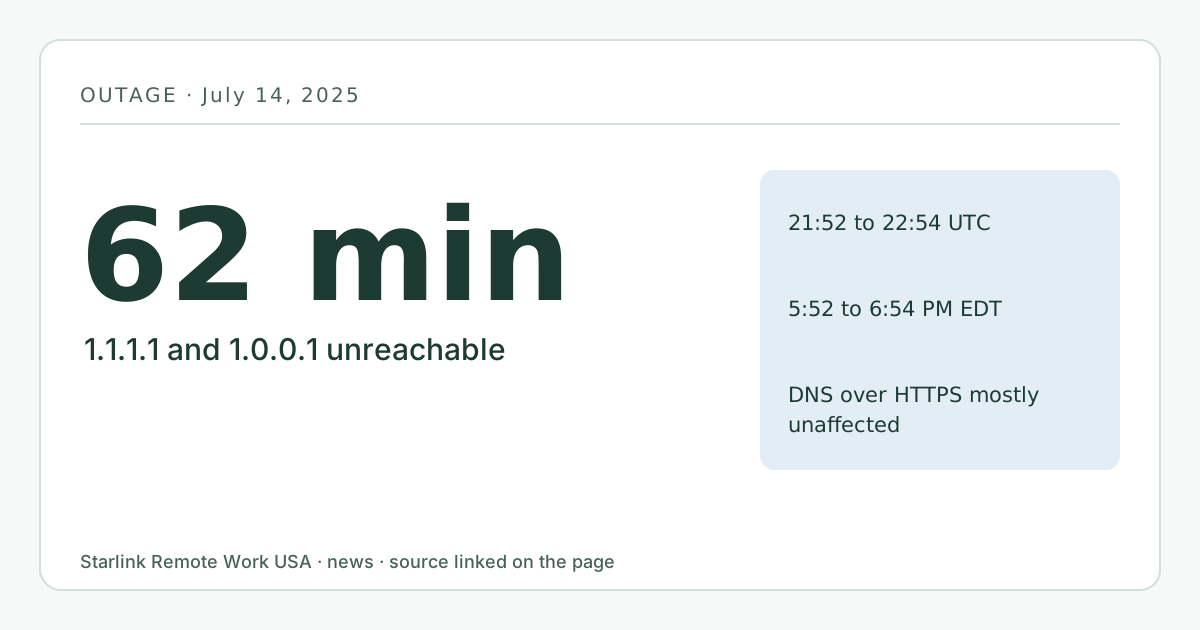
From 21:52 to 22:54 UTC (5:52 to 6:54 p.m. EDT) on July 14, 2025, Cloudflare’s 1.1.1.1 resolver, including 1.0.0.1, was unavailable after an internal configuration error. Anyone whose router or computer used only those addresses for DNS saw websites and apps fail even though the Starlink link itself was up. Setting a second resolver from a different provider avoids this single point of failure. Published October 6, 2026.
- Event date
- Published here
- Updated
- Source
- Cloudflare blog
Background itemThis happened 449 days before we published it (more than 90). It is here as context for the guides it links, not as breaking news. Check the source for anything that has changed since.
What changed
For 62 minutes on July 14, 2025, Cloudflare’s public DNS resolver at 1.1.1.1 stopped answering. Cloudflare’s write-up says 1.0.0.1, its backup address, went down with it. DNS is the step that turns a name like zoom.us into an address, so any device that used only those resolvers could not load websites or start apps, even though its internet link was working.
Cloudflare said the cause was an internal configuration error in legacy systems that manage its service topology, which wrongly linked the 1.1.1.1 address ranges to a non-production service. In its words: “This outage was the result of an internal configuration error and not the result of an attack or a BGP hijack.”
Cloudflare also said DNS over HTTPS through cloudflare-dns.com was mostly unaffected, because it uses different addresses.
When
- Start: 21:52 UTC on July 14, 2025 (5:52 p.m. EDT).
- End: 22:54 UTC (6:54 p.m. EDT).
- Write-up published: July 15, 2025.
Who is affected and what it means for you
Plenty of people set 1.1.1.1 by hand on a third-party router, a laptop or a VPN client, often because it is fast and easy to remember. Starlink users who run their own router in bypass mode are a common example. If both your DNS servers were 1.1.1.1 and 1.0.0.1, both failed at the same moment, because they are run by the same company on the same system.
The result looks like an internet outage: pages don’t load, calls won’t connect, the VPN can’t find its server. The Starlink app would still have shown the dish online, with normal latency.
For most people the outage hit after the US work day on the East Coast, but it fell in working hours further west.
What you can do now
- Look at your DNS settings on your router and any device where you set them by hand. If both entries belong to one provider, consider making the second one a different provider. The point is that two resolvers should not share one failure.
- If you use a VPN, check what DNS it pushes. Many corporate VPNs set their own resolvers; your IT team decides those. Our VPN guide has the questions to ask.
- Learn the quick test: if a site won’t load by name but a known IP address responds to ping, DNS is the likely problem, not your link. Our troubleshooting page walks through telling a DNS problem apart from a satellite drop.
- A backup internet line would not have helped if your router sent DNS to the same failed resolvers over the backup path too.
What stays the same
- Starlink’s own network was not involved.
- Using a public resolver is still reasonable. The lesson is about not having two resolvers that fail together.
What we don’t know yet
- We don’t know how many Starlink customers had 1.1.1.1 set, and Starlink has not said what resolvers its own router uses by default in a page we could cite.
- Cloudflare’s post gives query volumes but not a count of affected users.
This item is background: it happened more than 90 days before we published this page.
Source
Cloudflare 1.1.1.1 incident on July 14, 2025 (Cloudflare blog)
Related guides on this site
Correction log
No corrections since publication. Spotted an error? See corrections for how to tell us; changes are logged here with the date.