Major outages and post-mortemsBackground
Cloudflare IPv6 route leak on January 22, 2026 causes 25 minutes of packet loss
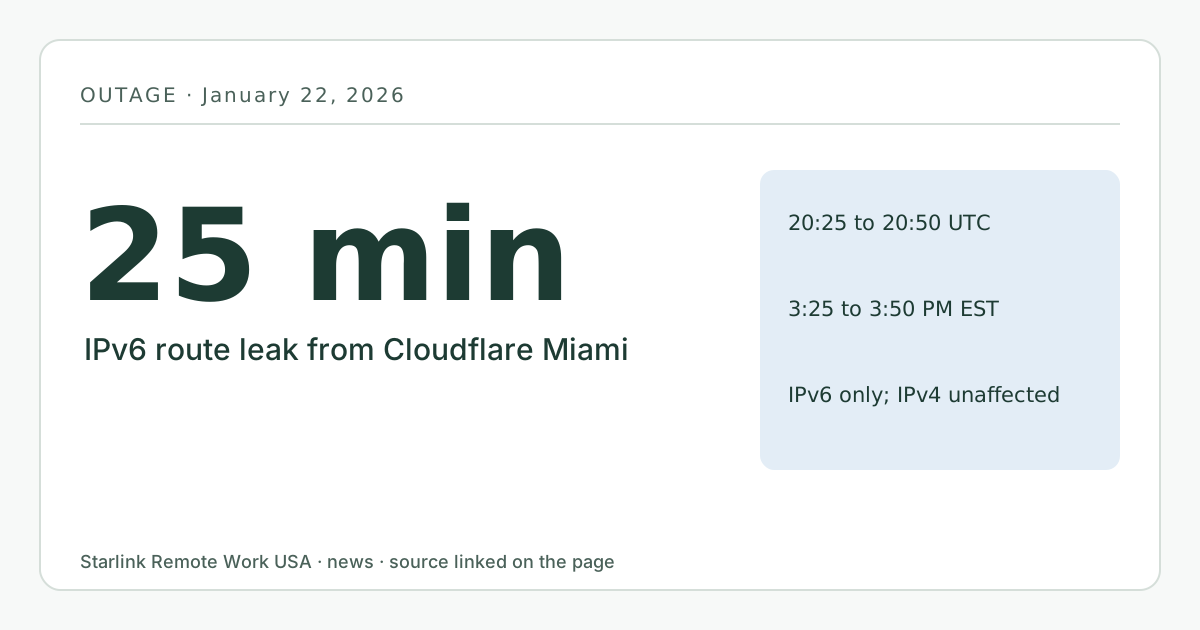
From 20:25 to 20:50 UTC (3:25 to 3:50 p.m. EST) on January 22, 2026, a misconfigured router in Cloudflare’s Miami data center advertised IPv6 routes it should not have. Cloudflare said this caused packet loss and higher latency between Miami and Atlanta and that it dropped traffic for some outside networks; only IPv6 was affected. Starlink gives every plan IPv6, so IPv6-only problems can reach Starlink homes even when IPv4 works. Published October 6, 2026.
- Event date
- Published here
- Updated
- Source
- Cloudflare blog
Background itemThis happened 257 days before we published it (more than 90). It is here as context for the guides it links, not as breaking news. Check the source for anything that has changed since.
What changed
On January 22, 2026, a router in Cloudflare’s Miami data center began advertising internet routes to other networks that it should have kept internal. That’s called a route leak: for a while, some traffic between other networks was sent through Cloudflare when it shouldn’t have been.
Cloudflare’s post-mortem says it was an automated routing policy change. A change that removed route announcements for a data center in Bogotá left a policy that was too broad, and it matched internal routes and sent them out to peers and providers. Cloudflare said: “This route leak was the result of an accidental misconfiguration on a router in Cloudflare’s network, and only affected IPv6 traffic.”
The effects Cloudflare describes:
- Cloudflare customers saw higher packet loss and latency on backbone links between Miami and Atlanta.
- For outside networks whose routes were leaked, about 12 Gbps of traffic at peak was discarded by Cloudflare’s filters.
When
- Start: 20:25 UTC on January 22, 2026 (3:25 p.m. EST).
- End: 20:50 UTC (3:50 p.m. EST).
- Duration: 25 minutes. Cloudflare published its post-mortem on January 23.
Who is affected and what it means for you
Only IPv6 traffic was affected, and mostly traffic passing through the Miami area. That sounds narrow, but it matters to Starlink users more than most people realize. Starlink’s support pages say native IPv6 is supported on all Starlink routers, kits and plans, and each Starlink gets a delegated IPv6 prefix. Many devices prefer IPv6 when it’s available. So a problem that only hits IPv6 can reach a Starlink home while every IPv4 test looks fine.
That’s why IPv6 problems are confusing to troubleshoot: a speed test (often IPv4) passes, but some sites or a VPN fail or stutter. Our CGNAT and public IP guide explains how Starlink handles IPv4 and IPv6 differently.
What you can do now
- If some sites or apps fail while others work, test whether the problem is IPv6-only. Many test sites show which protocol your browser used.
- Don’t turn IPv6 off permanently to work around a short outage. On Starlink, IPv6 is the only way to reach your devices from outside without a tunnel, since IPv4 is behind CGNAT on Residential.
- If your VPN struggles at the same time, check whether it connects over IPv6. Our VPN guide covers VPN behavior on Starlink.
- Our troubleshooting page helps separate your-side problems from upstream ones.
What stays the same
- Starlink’s network and IP policy did not change.
- IPv4 traffic was not affected by this incident.
What we don’t know yet
- How much Starlink traffic, if any, passed through the leaked routes. Cloudflare’s post doesn’t name the affected outside networks.
- Our logger had not published any months, so we have no measured view of that half hour.
This item is background: it happened more than 90 days before we published this page.
Source
Related guides on this site
Correction log
No corrections since publication. Spotted an error? See corrections for how to tell us; changes are logged here with the date.